Easy DAT
Know who you are hauling for, before you call.
Broker credit, route maps and filters — layered on the DAT One Search Loads page you already use.
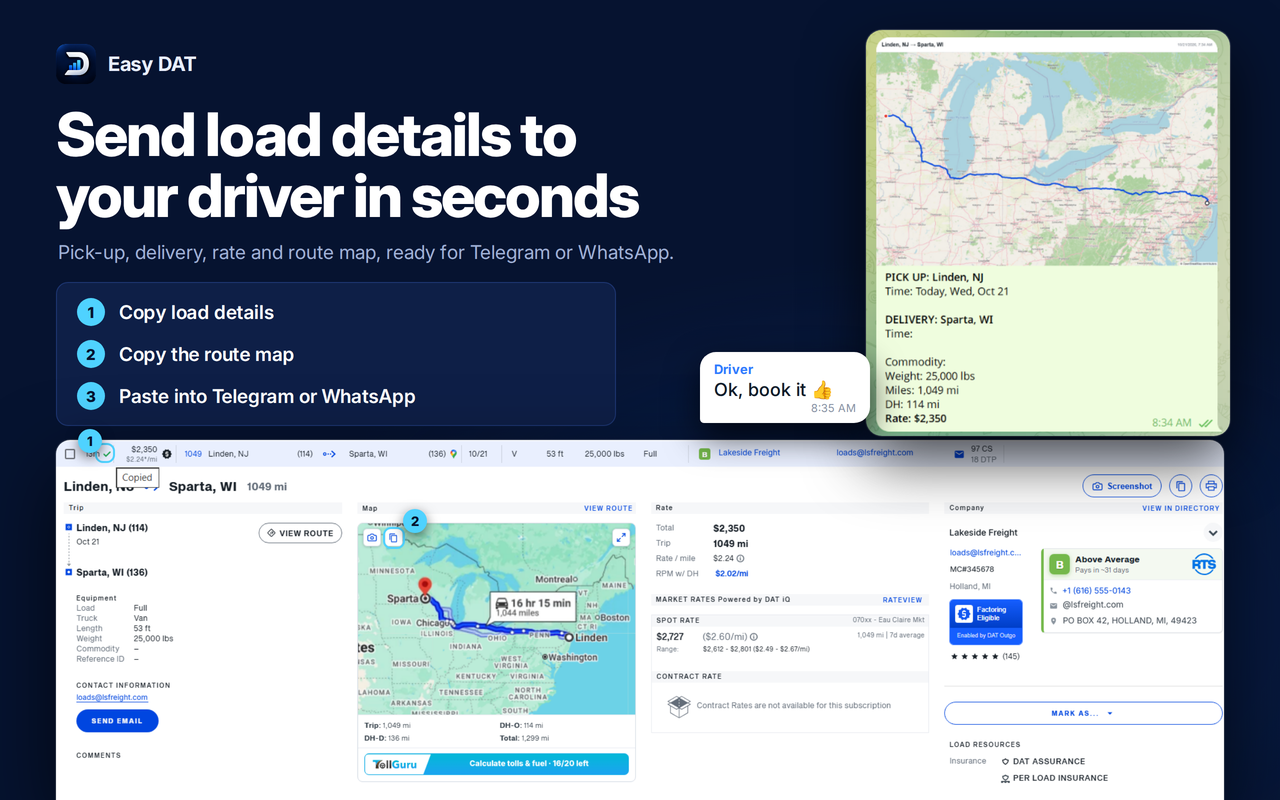
What Easy DAT adds to the board
Five tools that load on the same page as your search results.
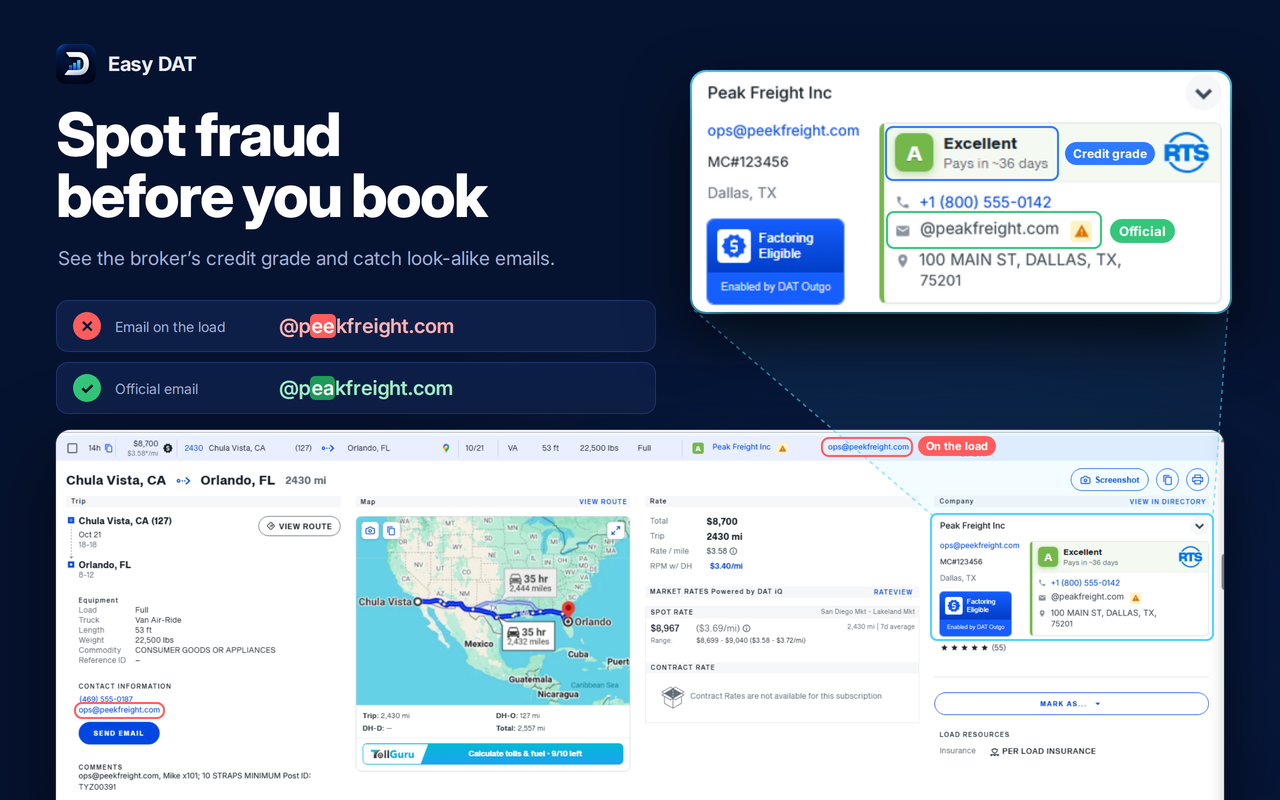
Broker credit
Shows the broker's credit rating, average days-to-pay and factoring or do-not-buy status next to the load, so you can judge the broker before you call.
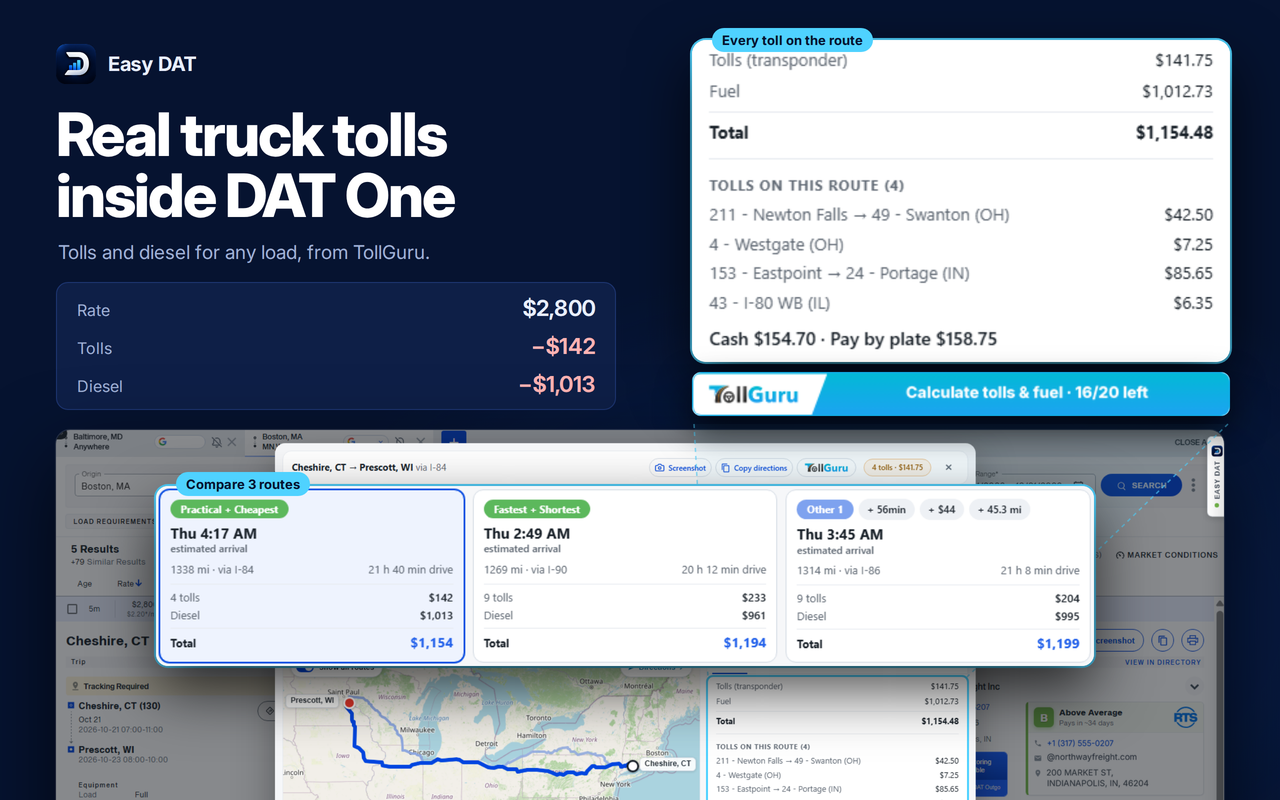
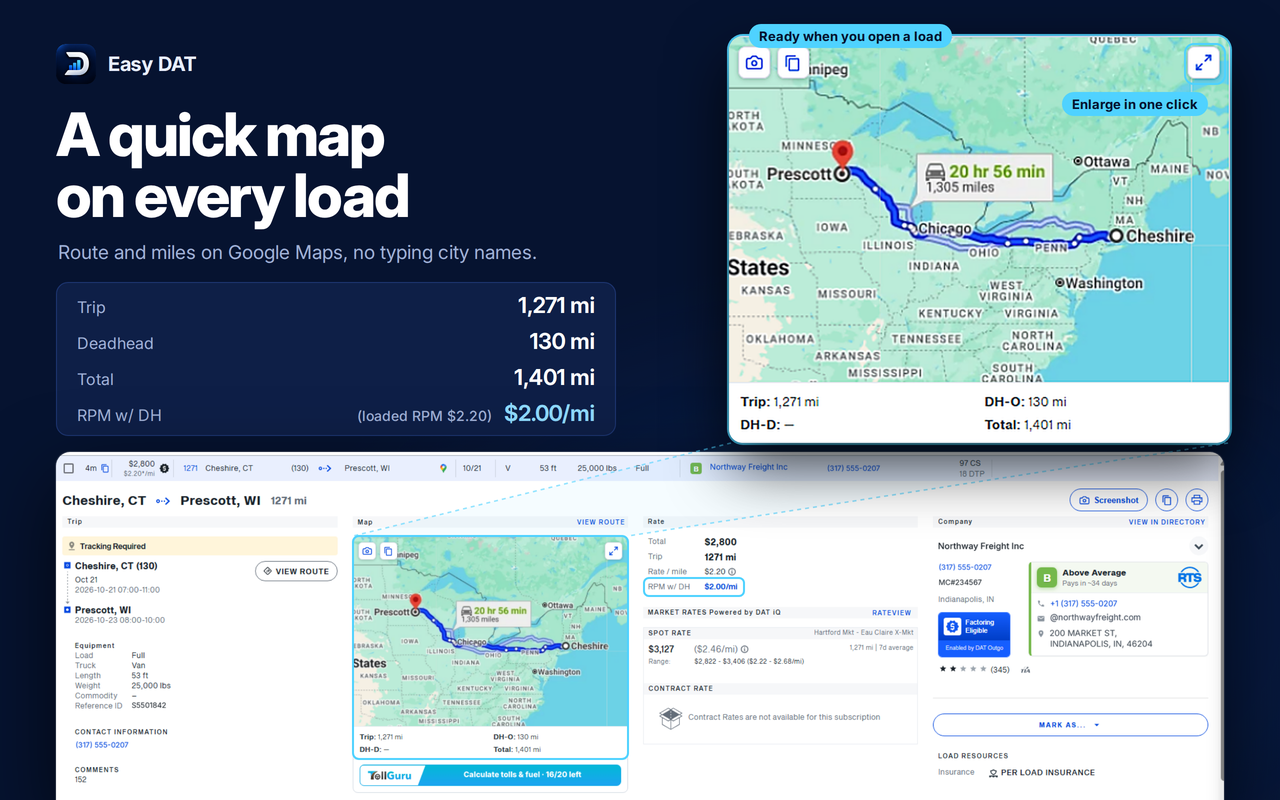
Route map
Draws the load's route on a map, so you can check the miles and the direction of travel without leaving the board.
Advanced filters
Filter loads by criteria the DAT board does not offer, so fewer irrelevant results reach your screen.
Ignore list
Hide specific loads or brokers you never want to work with. They stop appearing in your results.
Left menu and dark mode
A side menu for the extension's tools and a dark theme for people who watch the board all day.
How it works
- 01
Install from the Chrome Web Store
Add Easy DAT to Chrome. It runs on one.dat.com/search-loads inside your own browser.
- 02
Sign in
Open the extension and sign in with an email code or with your Google account.
- 03
Subscribe
Start your subscription for $10 per month. Cancel any time from the billing portal.
Try it on your next search
Install the extension, sign in, and the tools appear on the load board. $10 per month, cancel any time.
Disclaimer
Easy DAT is an independent third-party browser extension. It is not affiliated with, endorsed by, or sponsored by DAT Solutions, LLC. DAT and DAT One are trademarks of their respective owners. A separate, active DAT One subscription is required to use Easy DAT.